Guide - How to make a self-guided audio tour for a nature reserve or garden
An audio tour lets visitors walk at their own pace with someone who knows the place talking them through it. This guide covers planning the stops, writing scripts that work out loud, choosing a voice, recording without a studio and publishing so it plays straight from a trail post.
Why audio works outdoors
Reading pulls attention down to a screen. Listening lets people look at the thing being described, which is the point of being there. Audio also helps visitors who find small text hard to read and families who want to listen together.
Plan the stops
Walk the route and choose stops where people can stand safely, hear clearly away from roads or water noise, and see what the recording talks about. Note the walking time between stops so the guide can tell visitors how far the next one is.
Write for the ear
- One idea per stop. A minute or two of speech is usually enough.
- Short sentences that are easy to say in one breath.
- Direct the eye: “look to your left at the stone wall” works better than a description of the habitat.
- Round numbers and fewer of them. Lists of figures are hard to follow by ear.
- End with one thing to look or listen for.
Read every script aloud before recording. Anything you stumble over, a listener will too.
Choose a voice
Staff and volunteers bring local knowledge and warmth that visitors notice. A professional narrator gives a polished, consistent sound. Synthetic voices are now natural enough for many tours and make it easy to re-record a stop when the text changes.
Whichever you choose, keep one voice per trail so the stops feel like one walk, and keep the scripts in a form you can edit and record again.
Record on a modest budget
- Record in a quiet room with soft furnishings rather than outdoors.
- A phone or a USB microphone is enough if the speaker stays at a steady distance.
- Save one file per stop and season, so one change never means re-recording the whole tour.
- Match the loudness across files, so visitors do not reach for the volume at every stop.
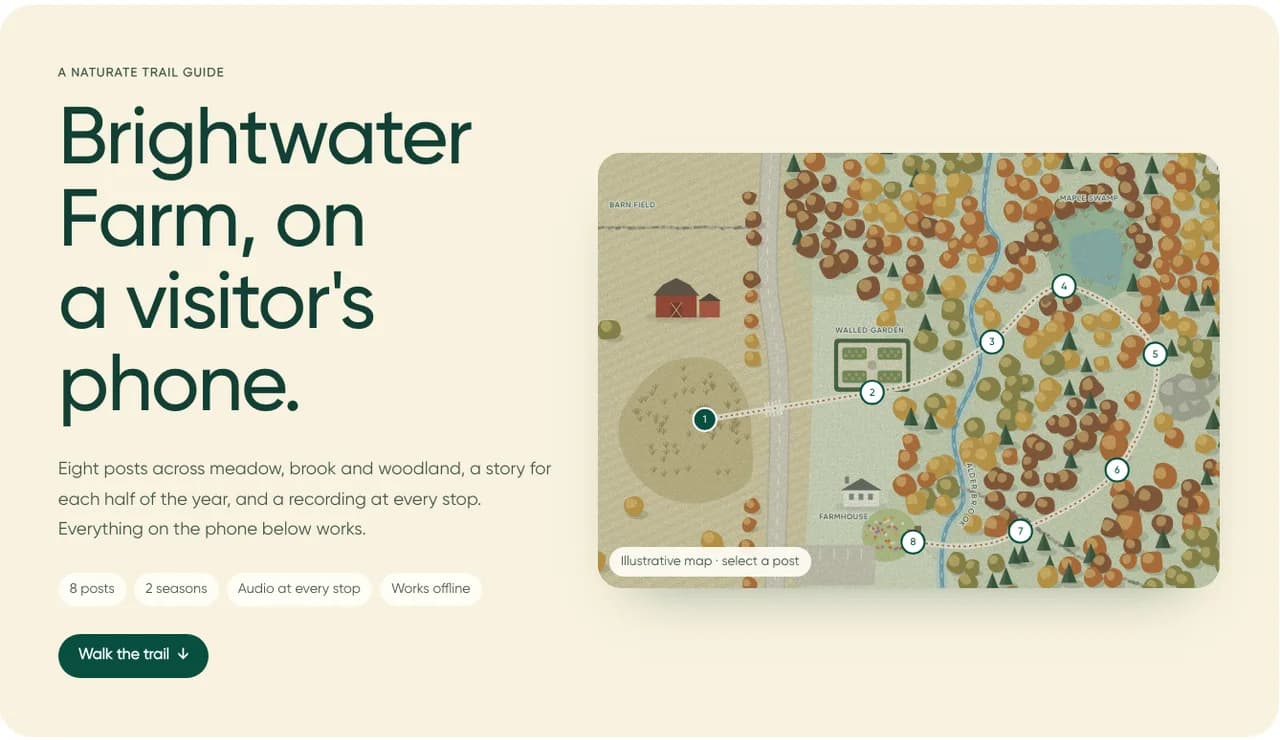
Record a version for each season
If your trail tells a different story in spring and in winter, record both. The guide can play the version that fits the date, and regular visitors hear something new when they return.
Publish it so it plays from the trail
Put the audio in the same browser guide the trail posts open, with a play button, the length of the recording and a way to move to the next stop. Visitors should not need a separate app or a podcast feed.
Let the guide save recordings to the phone, so they keep playing where the signal is weak.
Publish the words too
Every recording should have its text on the page. Transcripts serve visitors who are deaf or hard of hearing, people in a noisy spot and anyone who prefers to read. They also let search engines understand what the tour covers.
Keep it up to date
Review the tour each season. Replace a stop when a path moves or a tree comes down, add a short safety note when a boardwalk is slippery, and keep the scripts with the recordings so whoever updates it next can see what was said.